
An SEO agent that publishes to your Shopify blog
Tilly's SEO agent is an AI SEO tool for Shopify that does keyword research from your customers' questions, audits your store, writes search titles, descriptions and image alt text, and writes sourced blog posts for your Shopify blog. Nothing changes on your store until you approve it: fixes are applied when you say so, and a post goes to your blog only when you press Publish.
SEO for a Shopify store comes down to three jobs: fix what is broken, write what your customers are searching for, and keep it fresh. The SEO agent does all three, and SEO in Shopify walks through each one; if you are comparing tools first, see the Shopify SEO tools shortlist.
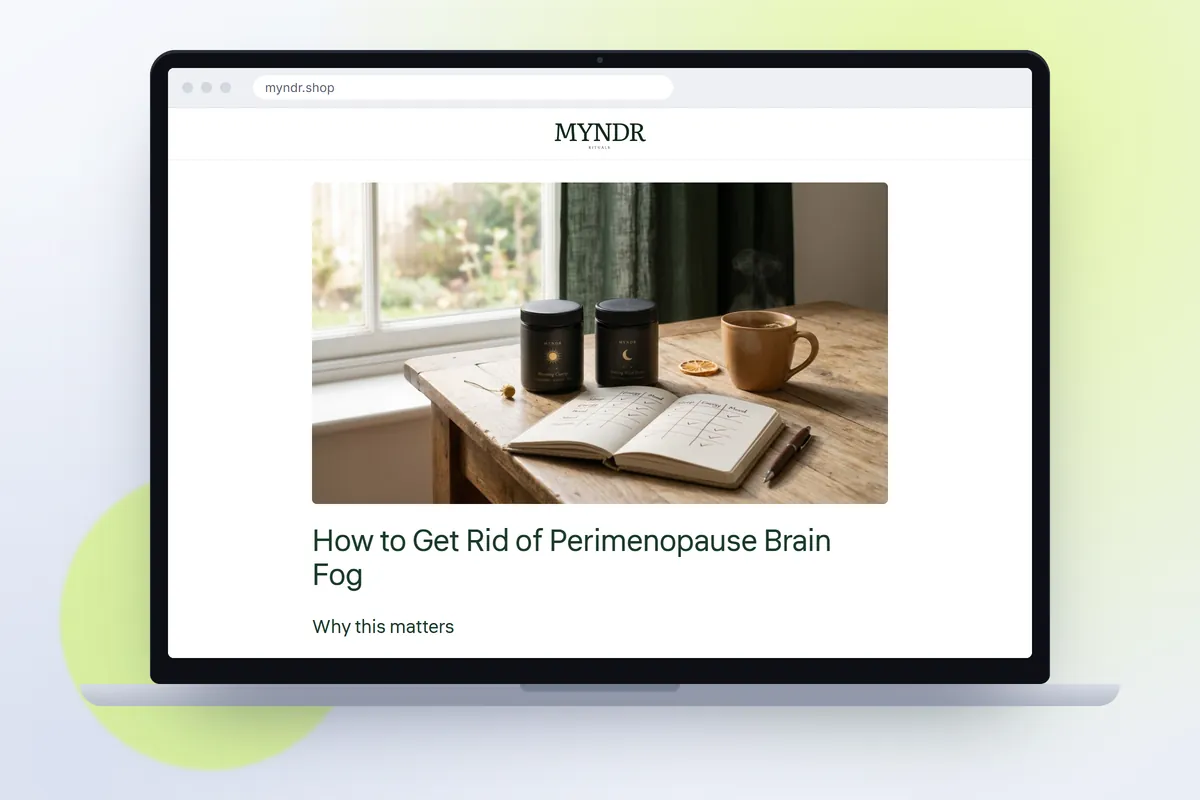
Keyword research that starts with your customers
Most keyword tools hand you a list sorted by volume. Tilly groups keywords by the questions your personas actually ask. A skincare store's cautious first-timer searches "is retinol safe for sensitive skin". Its ingredient reader searches "retinol and vitamin c together". Different people, different posts, different products to link. That is how a blog for Shopify earns its keep, and why blog apps that only write to a schedule fall short.
With Search Console connected, Tilly also finds the pages you almost rank for, which are usually the fastest wins.
Technical audit
Each finding comes with the fix. Meta rewrites can be approved in batches.
- Missing or duplicate meta titles and descriptions
- Missing product, article and breadcrumb schema
- Thin collection pages, the quickest win in Shopify collection SEO
- Broken internal links and redirect chains
- Image alt text and page speed issues
Blog posts that publish when you say
1. Picks the target: one keyword cluster, one persona question, and the shape the search calls for: a ranked list, a how-to, a comparison, a guide or a straight answer.
2. Researches: reads the live web and keeps only findings with a source, so a comparison table shows sourced facts or a blank, never a guess.
3. Writes: in your voice and your store's language, with an FAQ, saying plainly what your product is and is not, and linking to 3 to 8 of your own products, collections, posts and pages, each link checked before it goes in.
4. Adds FAQ schema and, if you choose, a cover and illustrations in your brand colours.
5. Scores itself out of 100 on fixed checks you can open, then publishes when you press Publish: to your Shopify blog, as a hidden draft or live, pictures included.
Tracking what it published
With Search Console connected, every post is tracked for impressions, clicks and position on its target keywords. When a post starts to slip, Tilly suggests a refresh. New posts also go to the email calendar, so your list hears about them.
What it does not do
The SEO audit is free; posts and fix batches are paid in credits. See pricing, or how the eight agents work together for what the SEO agent hands to email and ads.
- It does not edit your theme or your images. It writes search titles, descriptions and alt text and applies them to Shopify when you press Apply; page speed, theme and layout findings are steps you make yourself.
- It does not publish a post on its own. A post goes to your Shopify blog when you press Publish, as a hidden draft unless you choose live.
- It does not promise rankings. It tracks impressions, clicks and position for what it published, and only when Search Console is connected.
- It does not build links for you or buy placements on other sites.
Questions people ask
Does it publish directly to my Shopify blog?
Yes, after you approve. Press Publish and the post goes to your Shopify blog, as a hidden draft or live, with its search title, description and internal links in place. Its cover and illustrations, if it has them, are copied into your store's Files and shown from there.
Do I need Google Search Console?
No, but it helps a lot. With Search Console connected, Tilly can find keywords you almost rank for and track every post it publishes.
How much does a post cost?
15 credits for a post. The SEO audit is free.
See this on your own store
Paste your store URL. The first pass takes about a minute and needs no account. Save a card (nothing is charged) and Tilly reads the whole store and works out who buys from you.